SSH via step SSH
step ssh creates a short lived SSH certificates on your device, which allows you to login into our SSH based services. These certificates have a life span of one work day, after that you will need to issue a new one. This allows you to work a whole day, without authenticating again.
Note
Tou need to install the Step CLI client before continuing.
Setup of Step SSH
step ca bootstrap [--context asc] --ca-url https://auth.asc.ac.at:9000 --fingerprint 44b048473242281db1da57124c2b843741d6c92a8fb5d0482dec032e957f2919
Info
--context asc is optional! It allows you to use step SSH for several sites (e.g. Leonardo).
Using step ssh with multiple sites
If you are already using step in other sites, setting the ASC one might mess up your configuration. You would need to set it up again. For example if you already use Cineca's Leonardo:
step ca bootstrap --ca-url=https://sshproxy.hpc.cineca.it --fingerprint 2ae1543202304d3f434bdc1a2c92eff2cd2b02110206ef06317e70c1c1735ecd --context leonardo
and login with:
step ssh login 'username' --context leonardo --provisioner cineca-hpc
Issue SSH Certificate
Trust our SSH Certificate Authority (CA) on your system
We sign our SSH host keys with our SSH CA. This improve security and removes the need to trust every single host key. Please add the following line to your .ssh/known_hosts
@cert-authority *.asc.ac.at ecdsa-sha2-nistp256 AAAAE2VjZHNhLXNoYTItbmlzdHAyNTYAAAAIbmlzdHAyNTYAAABBBADeLjSj4J0MFrdxdn9M/mcZi1fqKnQB6ZHjysUlontzFXI9PVoxPjYqMDDO0hM6IM6NCnkiiFqveEvSoXDnGWI=
You need to run the following command to add your SSH certificate
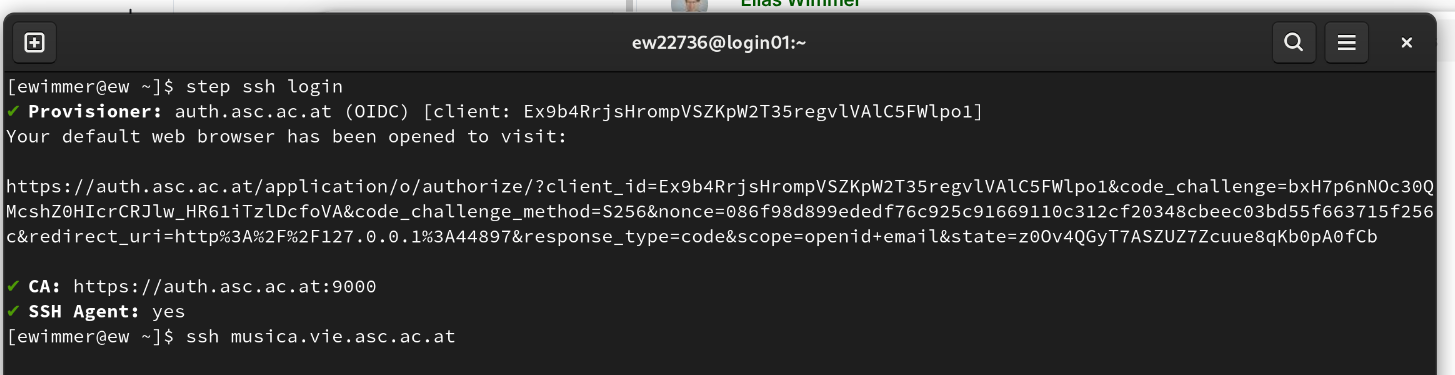
step ssh login [--context asc]
step will open a browser window redirecting you to our login page: https://auth.asc.ac.at/.
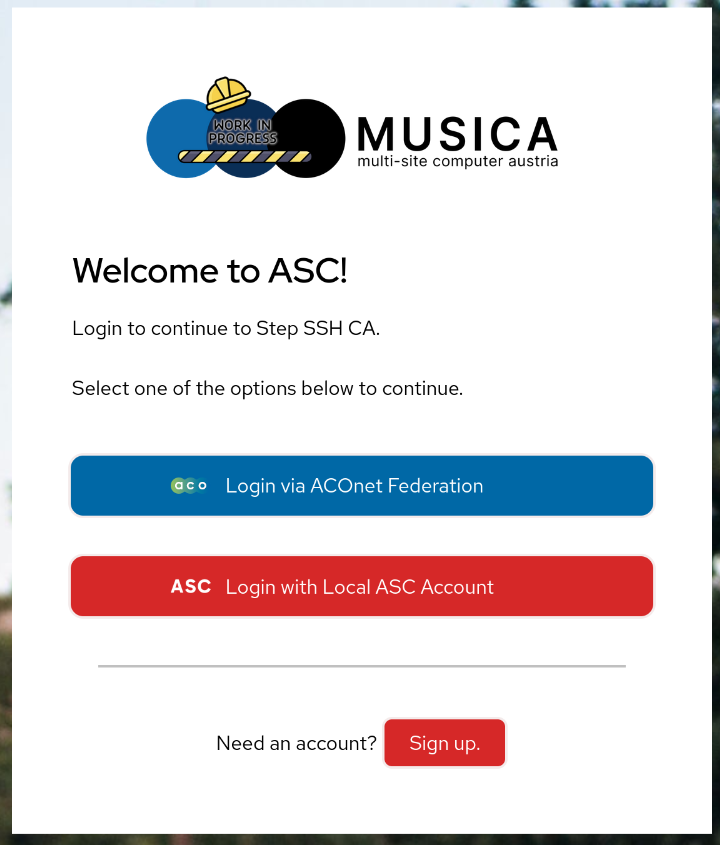
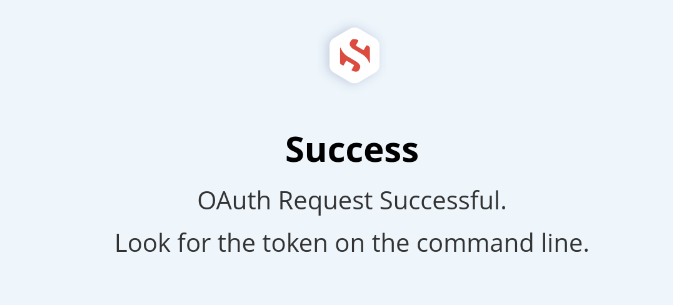
After you logged in you can close the window and start using the SSH certificate to login.
Info
The certificate is only valid for a working day. You will have to run step ssh login once a day!
Login via Certificate
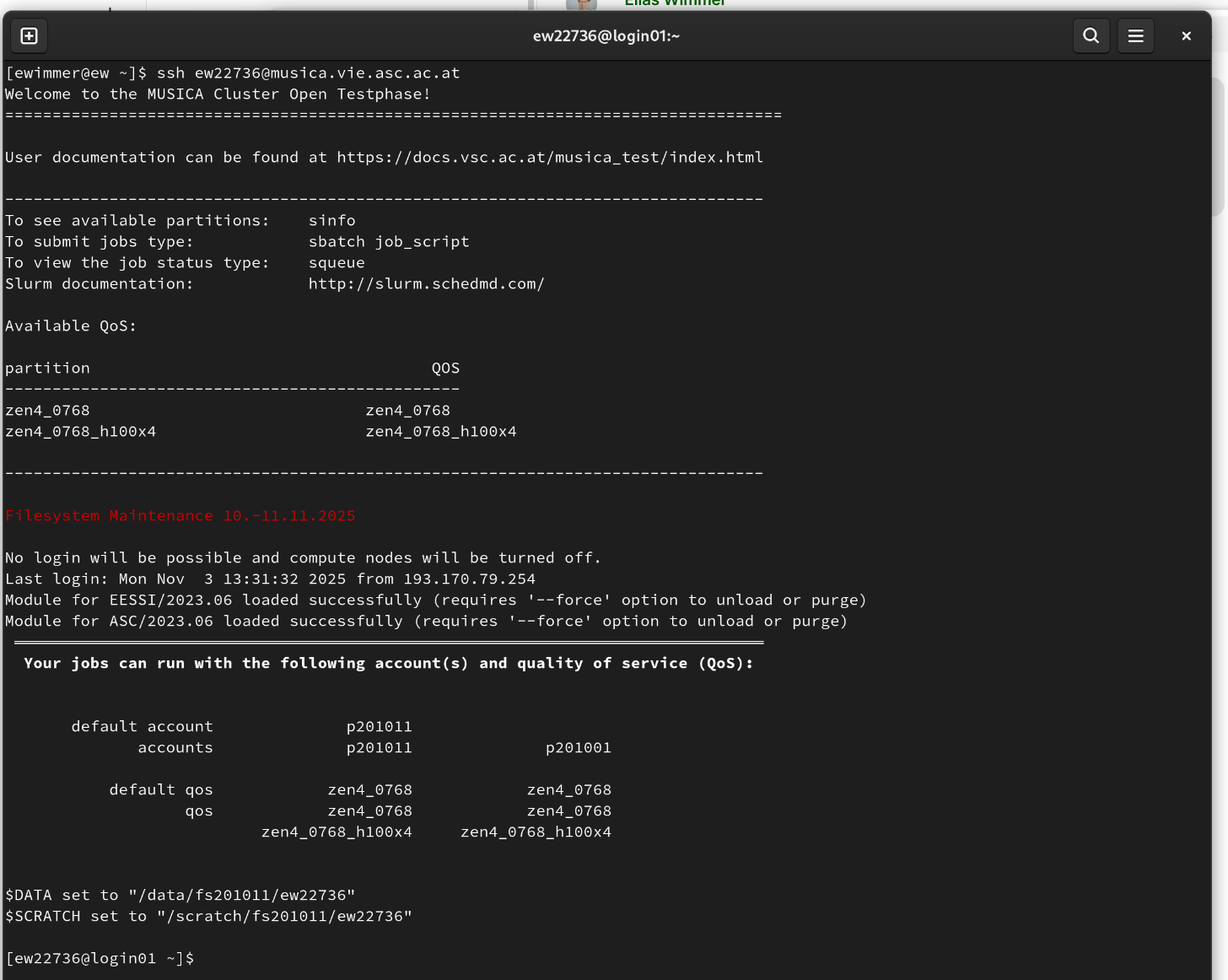
Logging in via SSH certificates is not any different to the other methods, except you will not be asked to login again.
ssh [-A] [-X] <username>@musica.vie.asc.ac.at
For Innsbruck:
ssh [-A] [-X] <username>@musica.inn.asc.ac.at
For Linz:
ssh [-A] [-X] <username>@musica.lnz.asc.ac.at
Use key forwarding to jump to other hosts
With -A you forward your SSH certificate, this allows you to login on compute nodes, where your jobs are running.
Remove Certificate
In case you want to remove your certificate from your current environment use the following command:
step ssh logout [--context asc]